

Free Chrome extension
Deep Focus
Start a session. The distractions go quiet.
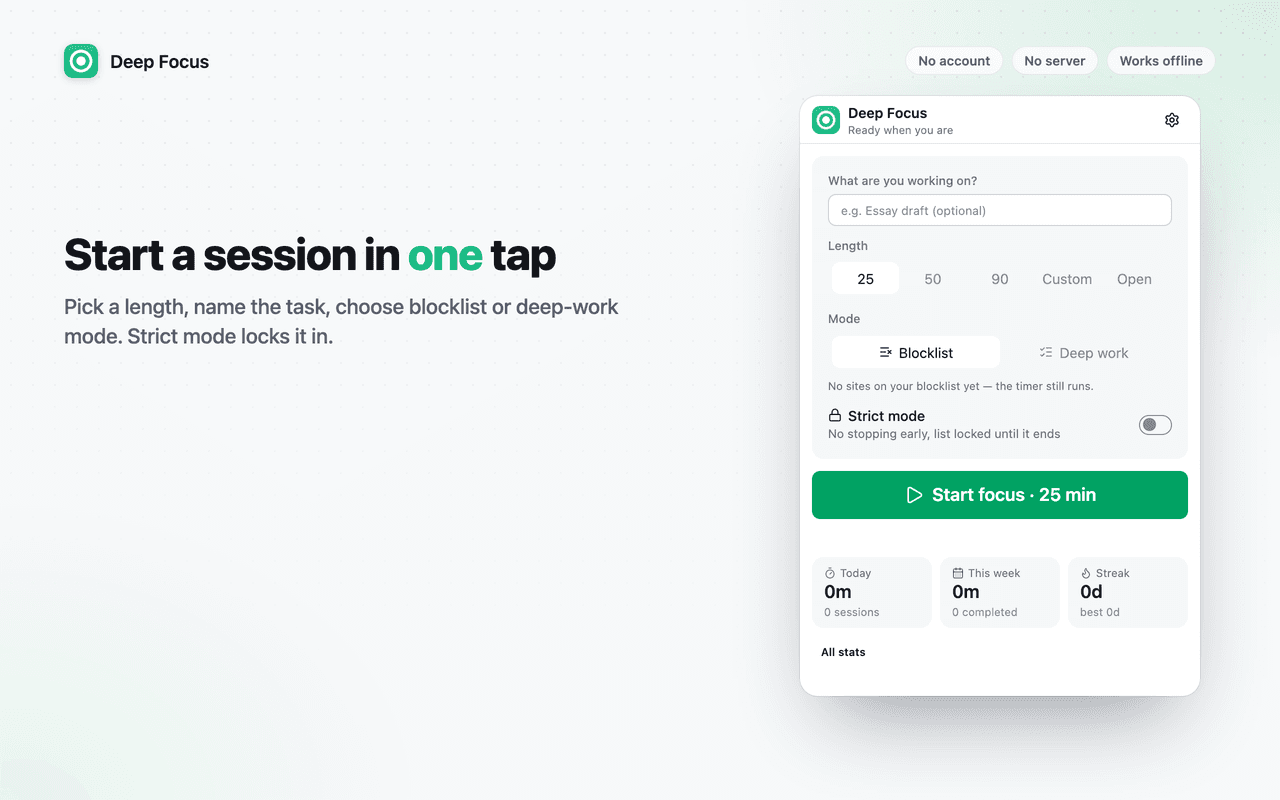
Deep Focus is a Pomodoro timer that blocks the sites you choose while it runs, with nothing stored anywhere but your own browser. Pick 25, 50 or 90 minutes, name what you're working on, press Start.
- Blocklist or deep-work mode
- Strict mode
- Survives a restart
- No account
No server
Nothing is uploaded. There is no backend to go down, get hacked or change its terms.
No account
Install and use. No sign-up, no email address, no login to remember.
No tracking
No analytics, telemetry or crash reports. Turn on airplane mode and everything still works.
What it does
Everything in Deep Focus
Start in one tap
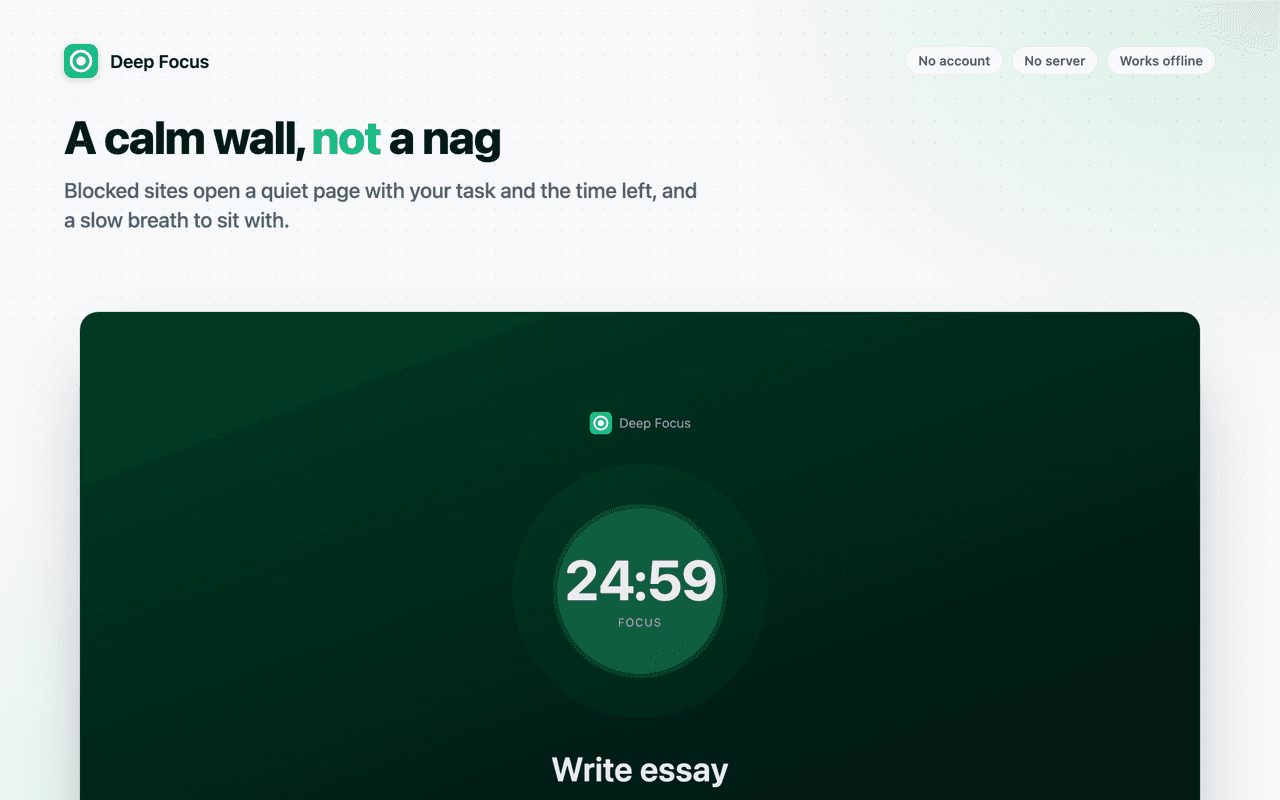
Pick a length, name the task, press Start. Blocked sites redirect to a quiet page with your task and the time remaining.
Two modes
Blocklist mode blocks the sites you list. Deep-work mode blocks everything except the sites you list. Preset packs for social, video, news, shopping, games and AI chat get you going in seconds.
Strict mode
For people who disable their own blocker in four seconds: no pause, no stop, no emergency unlock, and the list is locked until the session ends.
Survives a restart
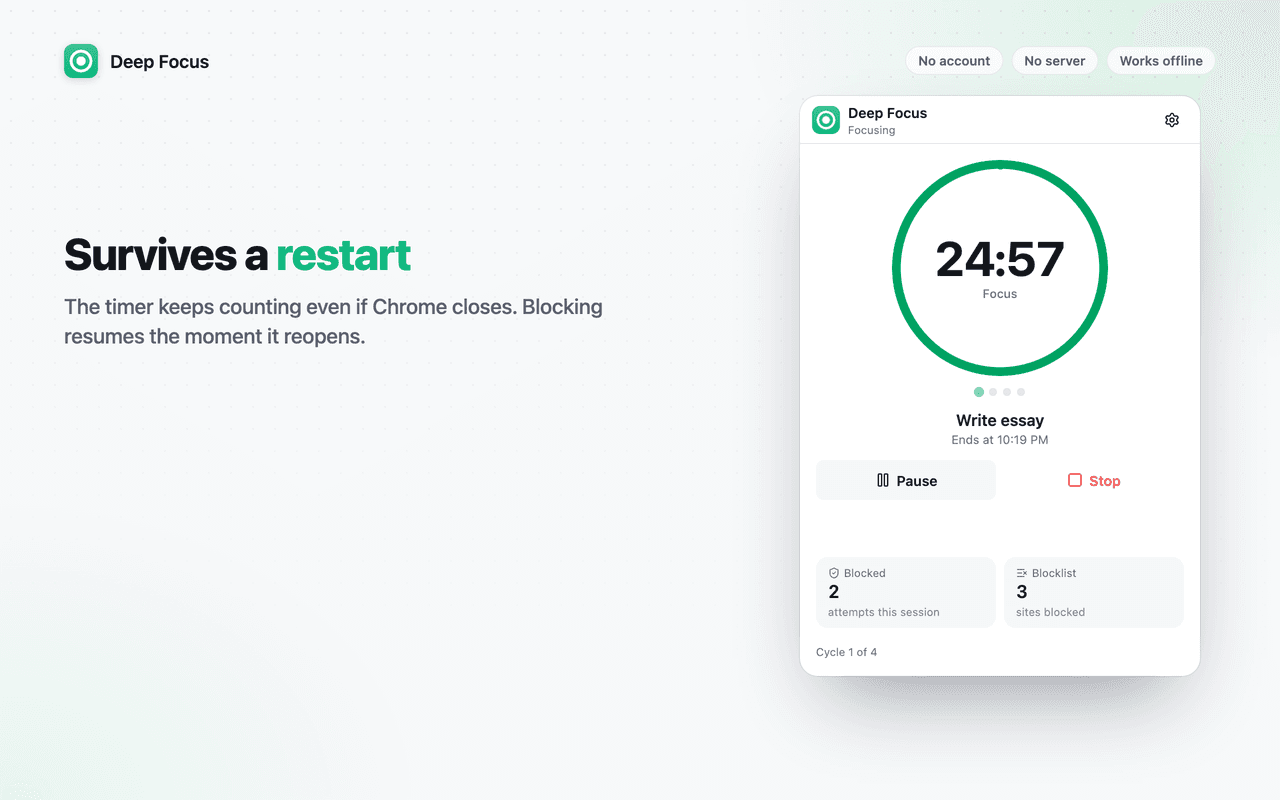
The timer is anchored to a timestamp, not a running clock. Close Chrome and reopen it and the session is exactly where it should be, still blocking.
Breaks and cycles
Short and long breaks, cycle counting, auto-start or wait for a click, desktop notifications when a phase ends.
Stats that stay private
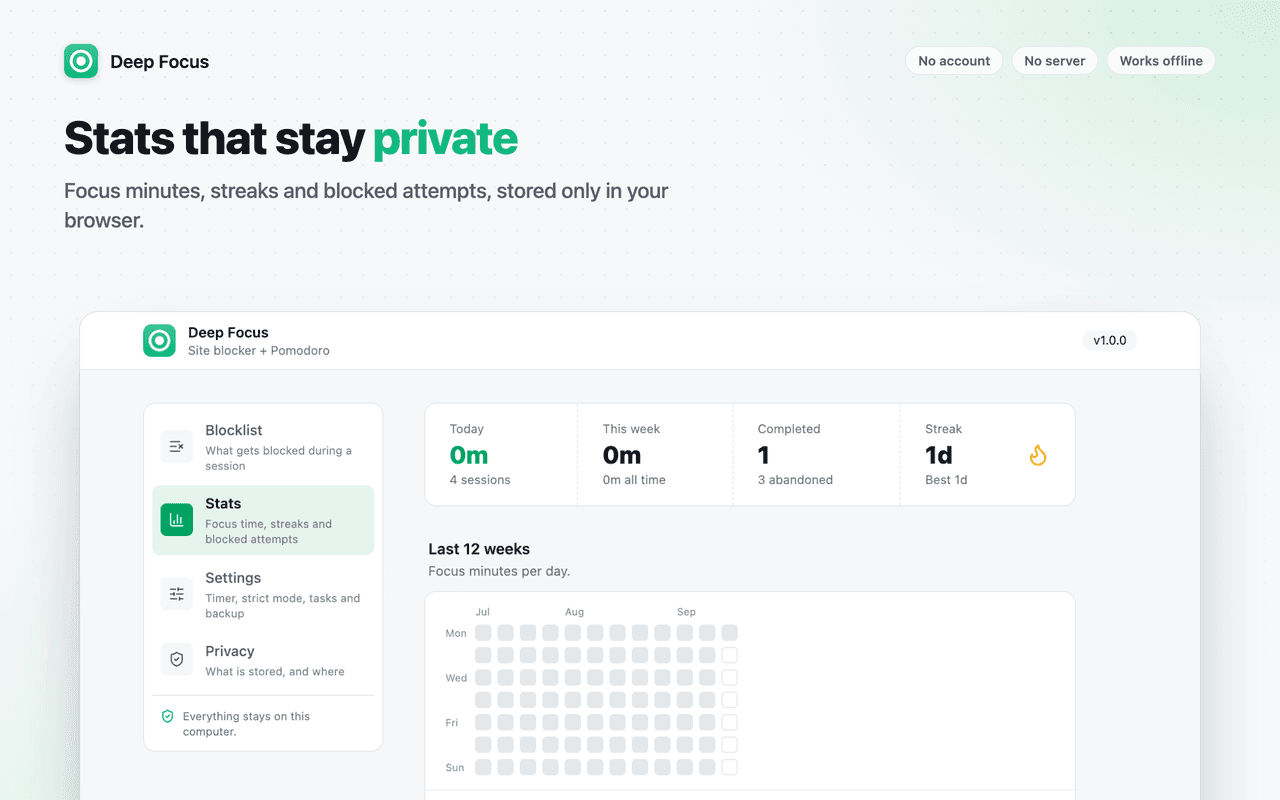
Focus minutes per day, a 12-week heatmap, streaks, most-blocked sites and per-task totals, all computed and stored locally. Export as JSON or CSV.
Known limit: Chrome lets anyone disable an extension from chrome://extensions. Deep Focus does not pretend otherwise: it adds friction, not a wall.
Screenshots
A look around Deep Focus
Permissions
What Deep Focus asks for, and why
Chrome shows these when you install. Here is what each one is used for.
declarativeNetRequest- Redirects navigation to blocked sites to the extension's own block page while a session is running. Rules are added when a session starts and removed when it ends.
storage- Stores your block lists, timer settings and the current session state locally.
alarms- Fires the phase transition at the session's end time and refreshes the toolbar badge once a minute.
notifications- Optional desktop notification when a focus block or break ends.
Access to all sites- Required by Chrome for the redirect rules to apply to the sites you choose to block. Deep Focus never reads page content.
Questions?
Deep Focus: common questions
Support
Found a bug or a site where Deep Focus misbehaves? Email us with the page URL and what you expected. Version 1.0.0.
[email protected]Read the privacy policyFree, forever local
A focus timer that actually blocks the sites you list.
One click to install. Nothing to sign up for.