
Free Chrome extension
Citepad
Open a page, get a citation that is actually right.
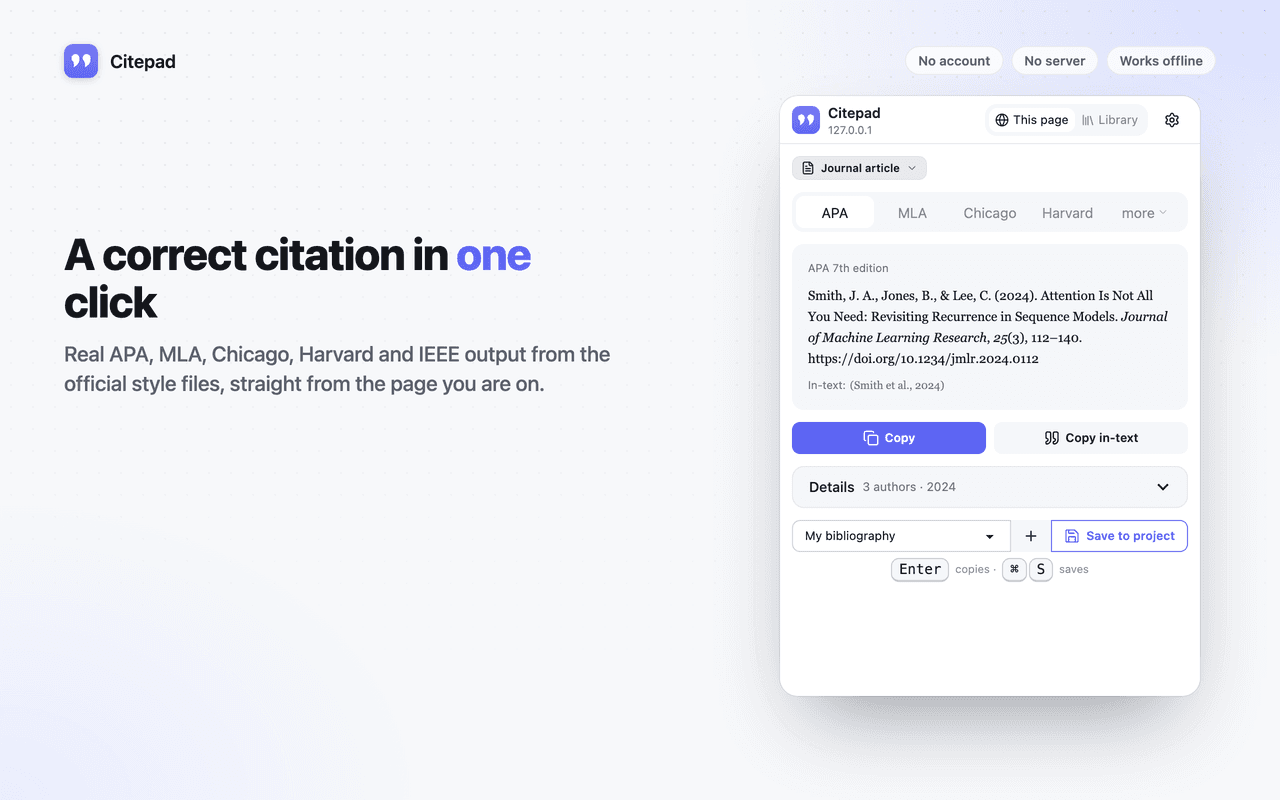
Citepad formats with citeproc-js and the official Citation Style Language files for APA 7, MLA 9, Chicago, Harvard, IEEE, Vancouver and AMA. Copy keeps italics and the hanging indent intact.
- APA 7, MLA 9, Chicago, IEEE
- Rich-text copy
- BibTeX & RIS
- No account
No server
Nothing is uploaded. There is no backend to go down, get hacked or change its terms.
No account
Install and use. No sign-up, no email address, no login to remember.
No tracking
No analytics, telemetry or crash reports. Turn on airplane mode and everything still works.
What it does
Everything in Citepad
Real styles, not approximations
Formatted by citeproc-js, the engine behind Zotero, with the official CSL files. Et al. rules, missing dates, corporate authors and title casing come out right.
Reads the page for you
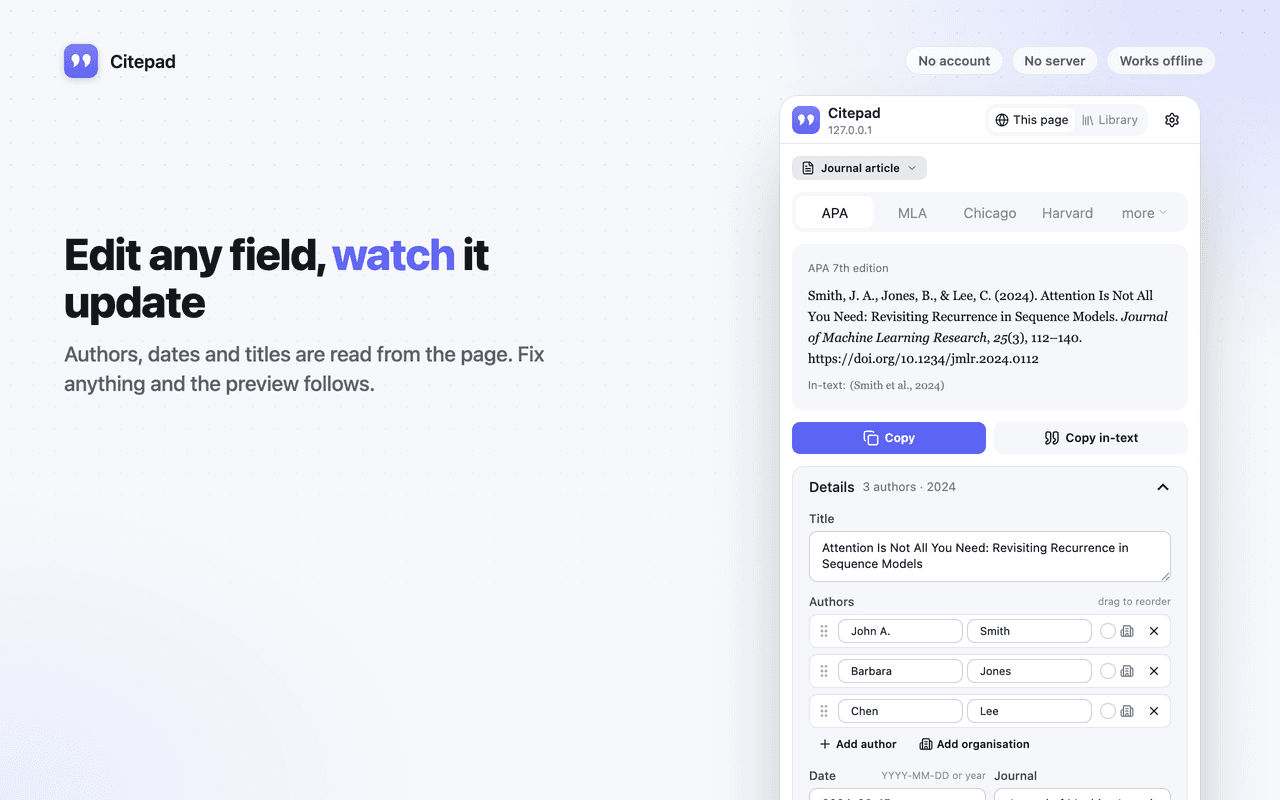
Authors, dates, journal, volume, issue, pages, DOI and ISBN are read from the page's own metadata, with special handling for YouTube, Wikipedia, Google Books and PDFs. Guessed fields are marked so you know what to check.
Copy with italics intact
Copy puts both rich text and plain text on the clipboard, so pasting into Google Docs or Word keeps formatting. Copy in-text gives you (Smith et al., 2024) or [1].
A bibliography per project
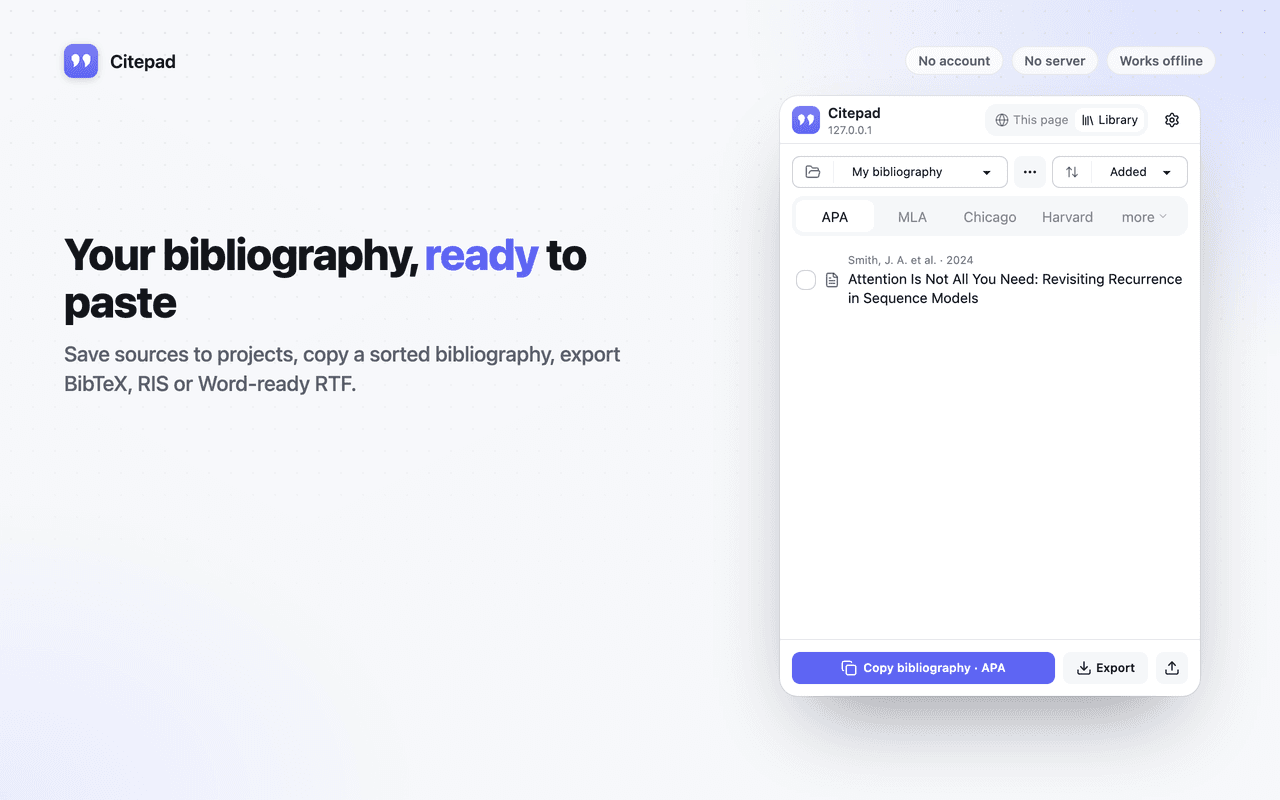
Save sources to projects, copy a sorted bibliography in any style, export BibTeX, RIS, CSL-JSON, HTML or Word-ready RTF. Import BibTeX and RIS from anywhere else.
Duplicates caught on save
Citing the same paper twice is noticed before it lands in your bibliography.
Offline by default
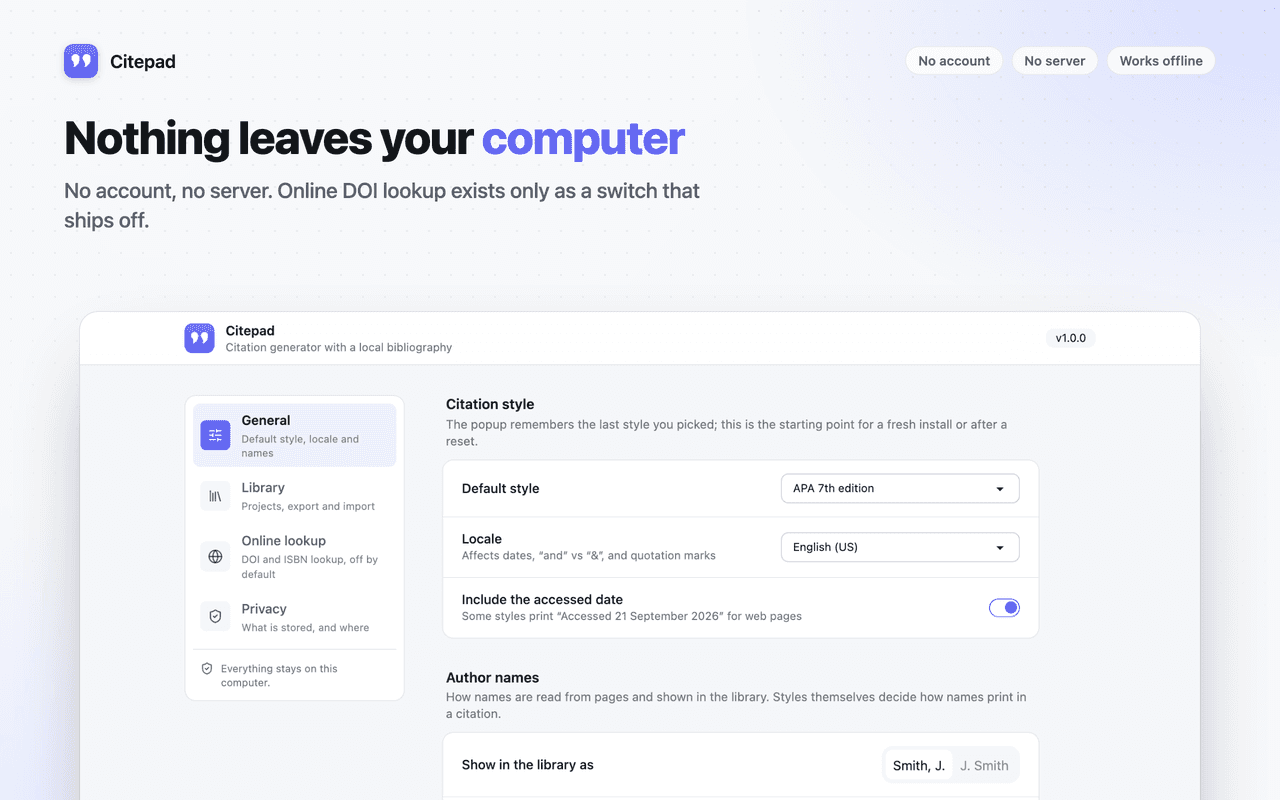
Online DOI and ISBN lookup exists only as a clearly labelled switch that ships off. With it off, the extension makes no network requests at all.
Screenshots
A look around Citepad
Permissions
What Citepad asks for, and why
Chrome shows these when you install. Here is what each one is used for.
activeTab- Reads the current page's metadata only when you open Citepad on it.
scripting- Injects the metadata reader into the current tab when the popup opens. Nothing runs on pages you have not opened Citepad on.
storage- Stores settings and your projects and saved sources locally.
clipboardWrite- The Copy buttons place the formatted citation on the clipboard.
Optional access to all sites- Requested at runtime only if you cite a PDF whose bytes cannot be read under activeTab. Explained on screen before the request.
Questions?
Citepad: common questions
Support
Found a bug or a site where Citepad misbehaves? Email us with the page URL and what you expected. Version 1.0.0.
[email protected]Read the privacy policyFree, forever local
Correct citations from any page, in one click.
One click to install. Nothing to sign up for.