

Free Chrome extension
Marker
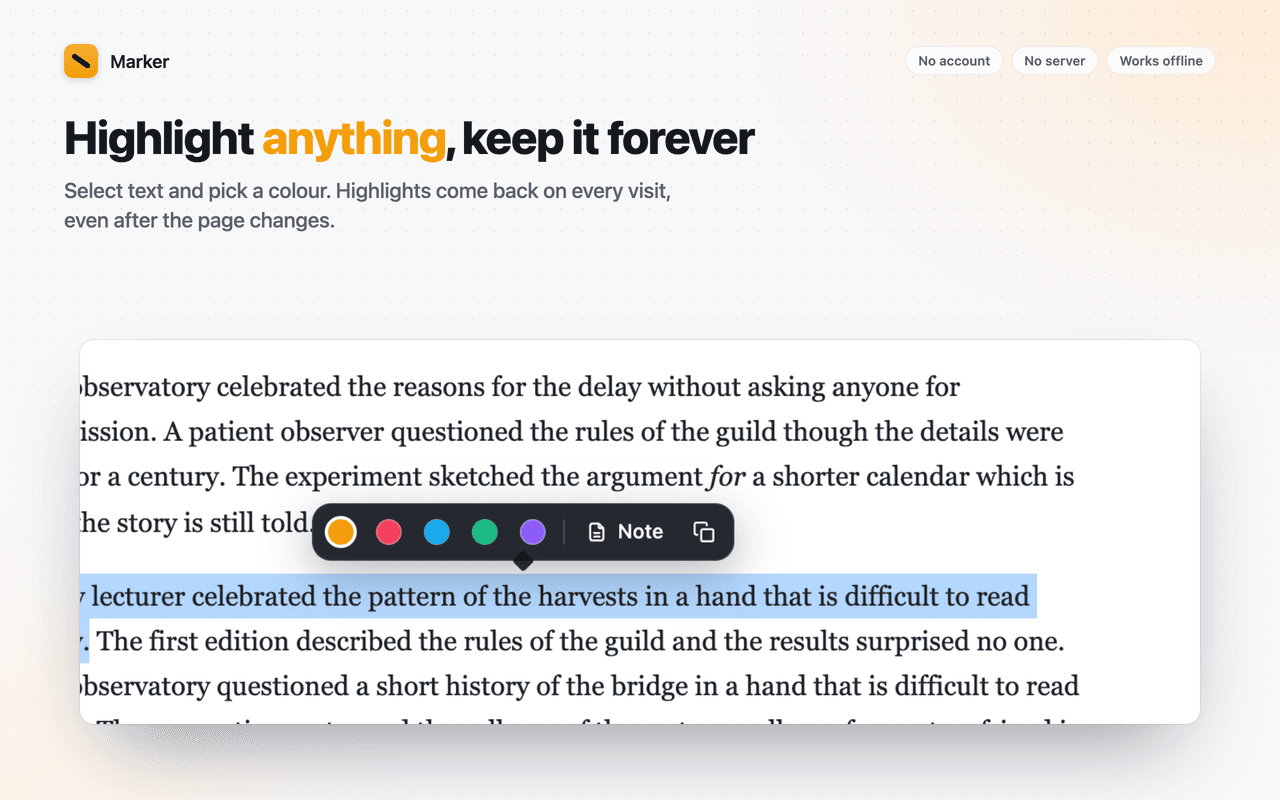
Select text, pick a colour, come back tomorrow. It's still there.
Marker anchors each highlight five different ways, so it is found again after a reload, after the page is edited, and after the site changes its layout. Everything lives in your browser.
- Five colours, your labels
- Notes in the margin
- Markdown export
- No account
No server
Nothing is uploaded. There is no backend to go down, get hacked or change its terms.
No account
Install and use. No sign-up, no email address, no login to remember.
No tracking
No analytics, telemetry or crash reports. Turn on airplane mode and everything still works.
What it does
Everything in Marker
Highlights that survive
Each highlight is anchored several ways so it is found again after reloads and edits. If a passage disappears entirely, the highlight is kept and marked orphaned, never silently lost.
Five colours, your labels
Important, Question, Definition, Example, Review, or whatever you rename them to.
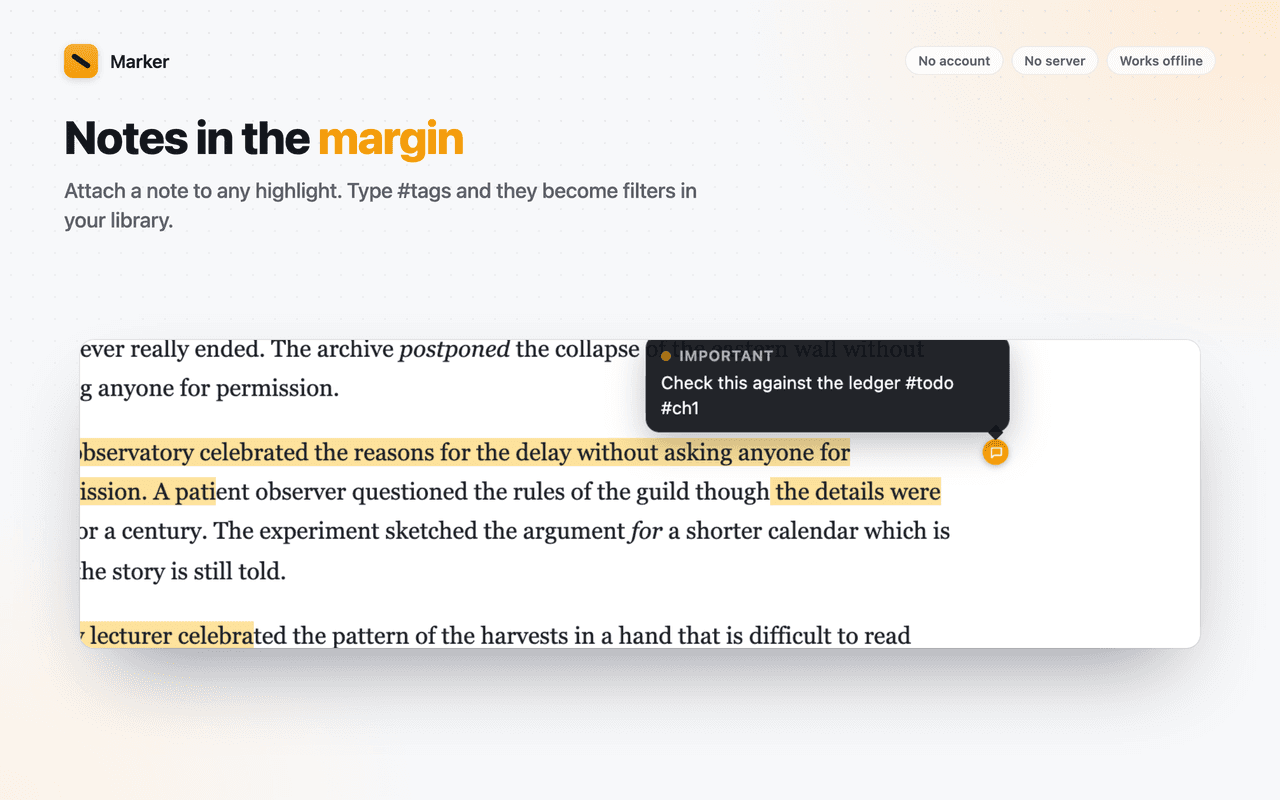
Notes in the margin
Attach a note to any highlight. A small dot sits in the page margin; hover to read, click to edit. Type #tags in a note and they become filters in your library.
One panel for everything
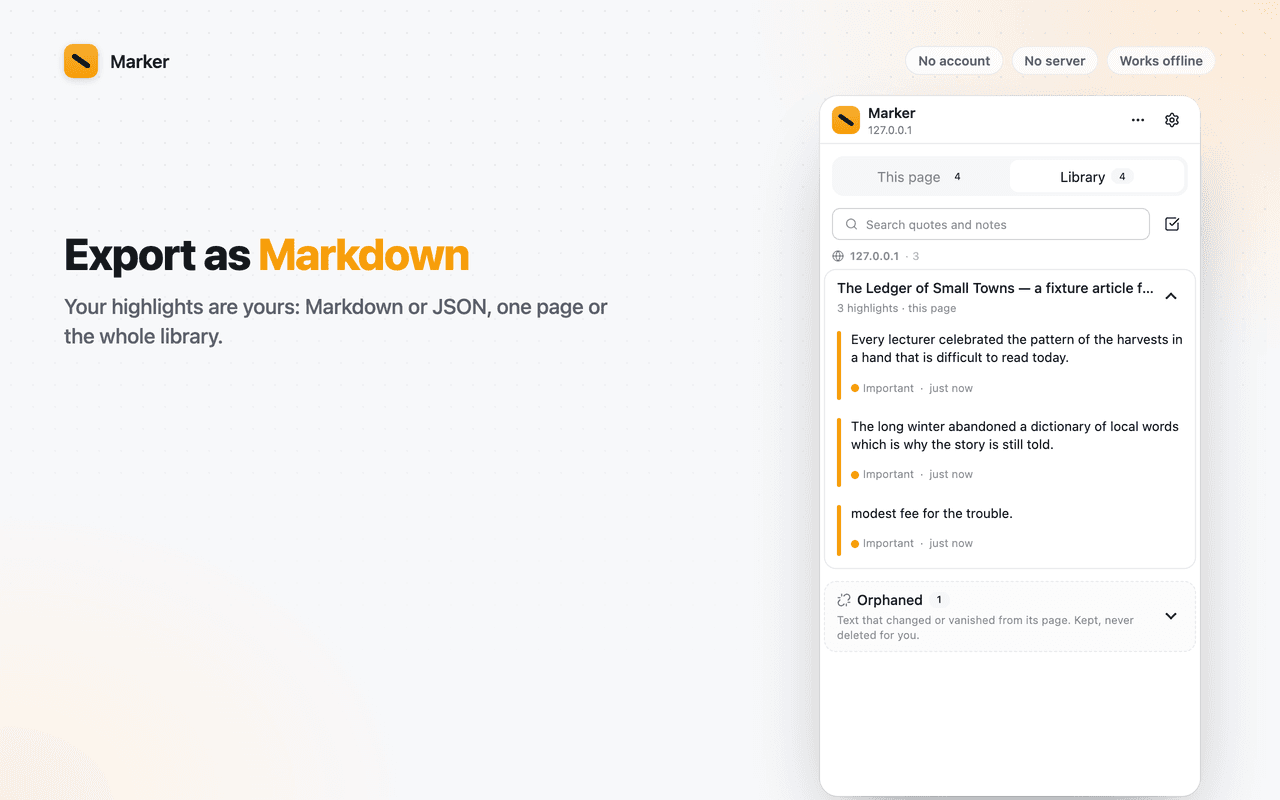
The side panel lists this page's highlights in reading order, or your whole library grouped by site. Click to jump, search across quotes and notes.
Export anything
Markdown for one page or the whole library, with source URLs and dates. JSON for a full backup that re-imports losslessly.
Light on the page
Marker paints highlights with the browser's Custom Highlight API, so it never changes the page's own HTML and never breaks web apps.
Known limit: Chrome's built-in PDF viewer cannot be highlighted in this version.
Screenshots
A look around Marker

Permissions
What Marker asks for, and why
Chrome shows these when you install. Here is what each one is used for.
storage- Stores settings and a signal that keeps the side panel in sync with highlights made on the page.
sidePanel- The highlight list and library live in Chrome's side panel.
contextMenus- Adds "Highlight selection" to the right-click menu.
activeTab- Lets the panel read the current tab's URL to show that page's highlights.
Access to all sites- Highlights must be restored automatically when a page loads, without a click, on any site you read. Marker reads page text only to find the passages to re-highlight; nothing is sent anywhere.
Questions?
Marker: common questions
Support
Found a bug or a site where Marker misbehaves? Email us with the page URL and what you expected. Version 1.0.0.
[email protected]Read the privacy policyFree, forever local
Highlight any page, add notes, keep it forever.
One click to install. Nothing to sign up for.