
तुरंत संरचना
आपके कच्चे विचार एक साफ़ रूपरेखा में बदल जाते हैं जिससे आप सच में पढ़ सकें।
AI नोट मेकर
कोई भी टेक्स्ट या प्रॉम्प्ट पेस्ट करें और StudyFox उसे शीर्षकों, बुलेट और मुख्य बातों के साथ सुव्यवस्थित नोट्स में बदल देता है — सेकंडों में पढ़ने के लिए तैयार।
From a lecture PDF: supply and demand
Cues
Notes
Summary
Demand falls as price rises. Non-price factors shift the whole curve. Equilibrium is where supply meets demand.
Start from anything
छात्र इसे क्यों पसंद करते हैं
आपके कच्चे विचार एक साफ़ रूपरेखा में बदल जाते हैं जिससे आप सच में पढ़ सकें।
दोबारा लिखना छोड़ें। रिवीज़न-रेडी नोट्स टाइप करने से भी तेज़ बनाएँ।
याद रखने के लिए अनुकूलित — परिभाषाएँ, उदाहरण और सारांश ठीक वहीं जहाँ चाहिए।
यह कैसे काम करता है
कोई सेटअप नहीं। कोई सीखने की ज़रूरत नहीं। बस पेस्ट करें और शुरू।
लेक्चर टेक्स्ट, प्रॉम्प्ट, रूपरेखा या विषय डालें — कुछ भी चलेगा।
बुलेट नोट्स, कॉर्नेल-स्टाइल, प्रश्नोत्तर — वह फ़ॉर्मैट चुनें जो आपकी पढ़ाई के तरीके से मेल खाए।
लाइब्रेरी में सेव करें, सहपाठियों से साझा करें, या एक क्लिक में फ़्लैशकार्ड में बदलें।
Study smarter
Re-reading notes is one of the least effective ways to study, and most notes only support re-reading. Notes with cue questions, or a structure you can cover and reconstruct, support retrieval instead. The formats here are built for that: Cornell gives you questions to test yourself with, outlines give you a skeleton to rebuild from memory, and summaries force the material into a few lines you can check yourself against.
इनके लिए बेहतरीन
कक्षा में पहले से ही पूरा ढाँचा जानते हुए जाएँ।
घनी सामग्री को उन हिस्सों में सीमित करें जो याद रखने हैं।
हफ़्तों के नोट्स को साफ़, पढ़ने में आसान रिवीज़न पैक में बदलें।
By hand vs StudyFox
| By hand | With StudyFox | |
|---|---|---|
| Notes from a 40-page reading | An evening | A minute, then read and edit |
| Structuring for revision | Whatever you wrote in class | Cornell, outline or summary on demand |
| Handwritten pages | Stay on paper | Photographed, typed and searchable |
| Making cards from notes | Retype the key points | One click from the note |
| Maths and formulas | Photos or plain text | LaTeX rendered inline |
Keep reading
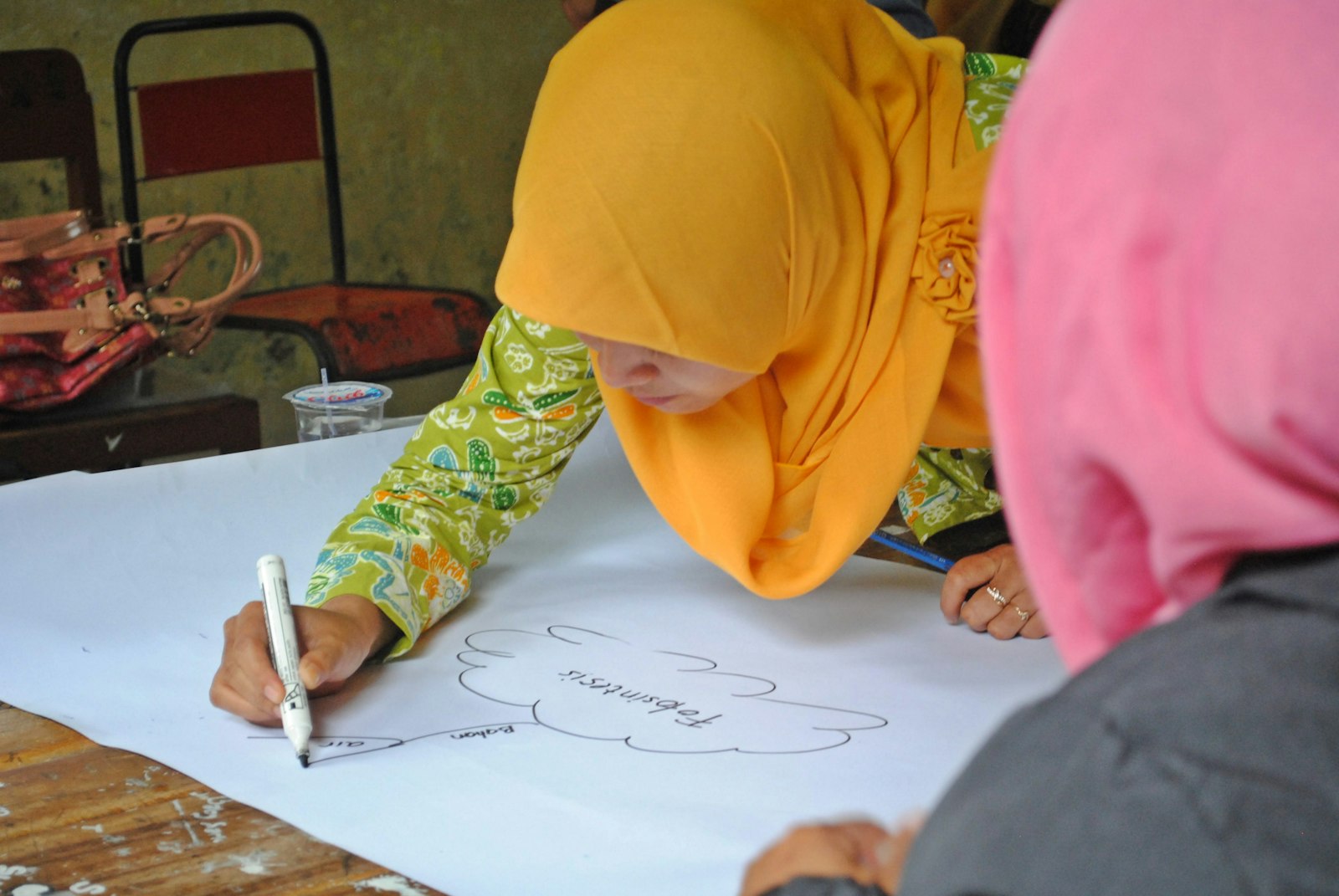
Most lecture notes are useless 3 weeks later. You wrote them in a rush, they're a wall of text, and re-reading them is the least effective way to study anyway.
Read article
A mind map is a diagram with one topic in the middle and everything related branching outward. It's one of the few study techniques that works for both learning new material and revising old…
Read article
Blurting is the study technique that keeps showing up on StudyTok, and for once the hype is justified. It's active recall with a blank sheet of paper, and it works because it's brutally honest about…
Read articleसवाल हैं?
शुरुआत मुफ़्त
क्रेडिट कार्ड की ज़रूरत नहीं। तभी अपग्रेड करें जब ज़्यादा चाहिए।