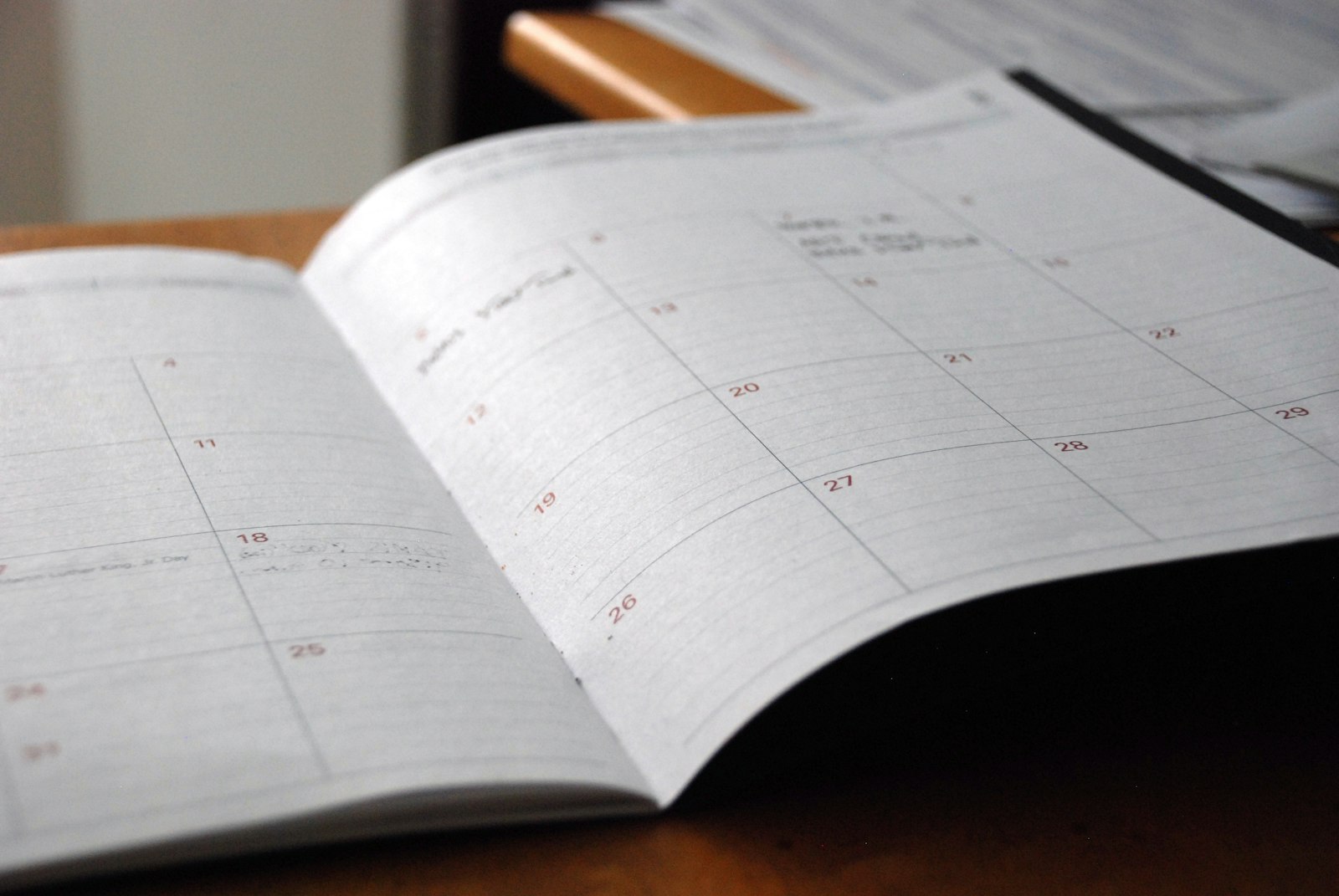
Most lecture notes are useless 3 weeks later. You wrote them in a rush, they're a wall of text, and re-reading them is the least effective way to study anyway.
The Cornell method fixes the format so your notes come with their own revision questions built in. Walter Pauk designed it at Cornell University in the 1950s, and it's survived 70 years because it turns note-taking into the first step of active recall.
The layout
Divide the page into 3 areas:
| Area | Where | Width | When you fill it |
|---|---|---|---|
| Notes column | Right | About two-thirds | During the lecture or reading |
| Cue column | Left | About a third | Within 24 hours, afterwards |
| Summary | Bottom | 2 to 4 lines | Right after the cues |
- Notes column (right, about two-thirds of the width): where you write during the lecture or reading.
- Cue column (left, about a third): questions and keywords you add afterwards.
- Summary (bottom, 2 to 4 lines): the whole page in your own words.
On paper, draw 2 lines. In a notes app, a 2-column table with a row underneath does the job.
How to use it
During the lecture: notes column only
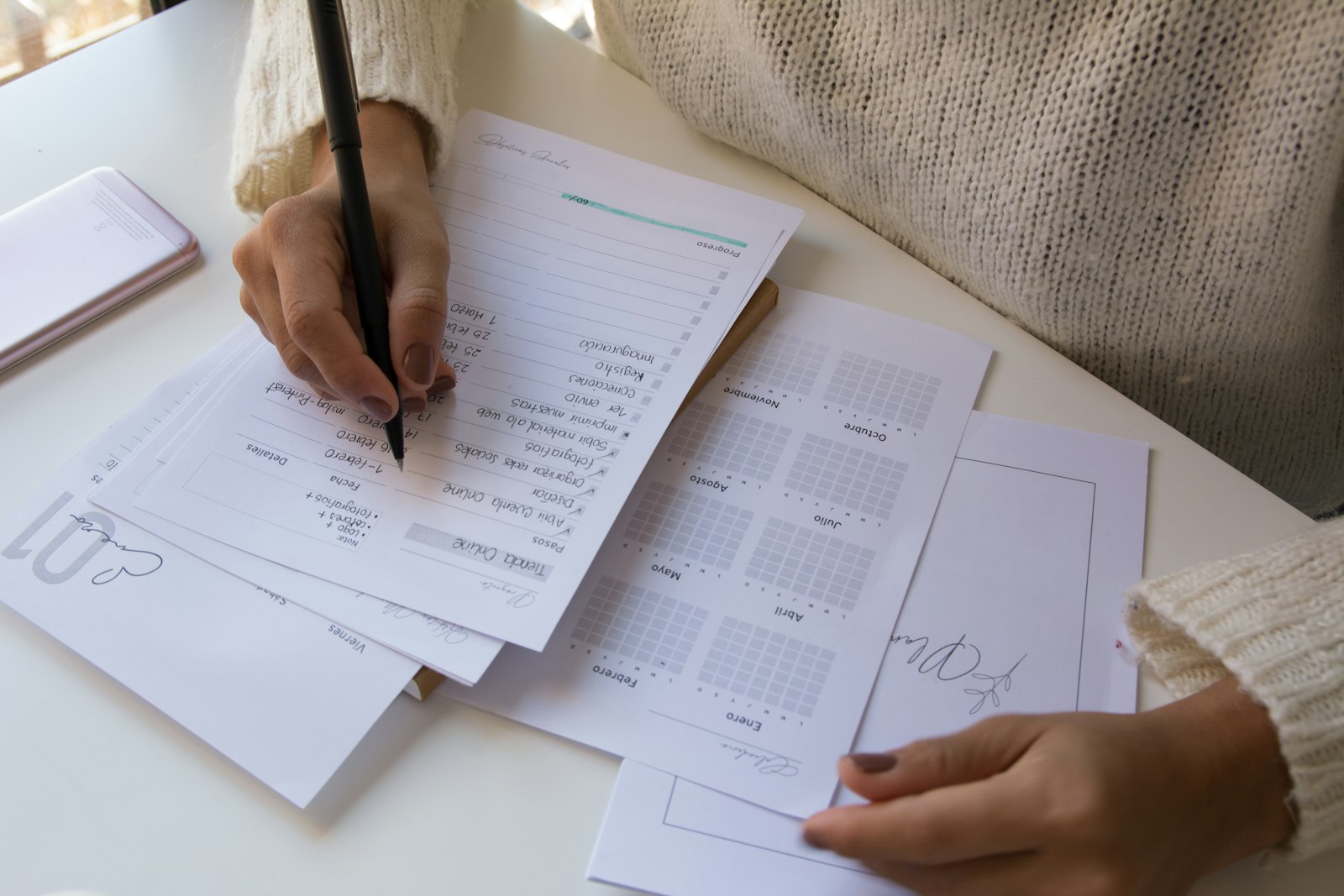
Write in the right-hand column. Short phrases, abbreviations, arrows. Skip lines between ideas. Don't try to write everything; aim for the main points and anything the lecturer repeats or writes on the board.
Leave the cue column empty. You'll fill it in later, and trying to do both at once means doing neither well.
Within 24 hours: write the cues
This is the step that makes Cornell work, and it's the step most people skip.
Read through your notes. For each chunk, write a question in the cue column that the notes answer. "What are the 3 types of muscle tissue?" "Why did the Weimar Republic collapse?" "Define opportunity cost."
Keywords work too, but questions are better because they're ready to use for self-testing.
Then: write the summary
2 to 4 sentences at the bottom. What was this page about? If you can't summarise it, you didn't understand it, and now is a good time to find out.
Later: revise with the cues
Cover the notes column with a sheet of paper. Read each question in the cue column and answer it out loud or on scrap paper. Uncover and check.
You've just done active recall without making a single flashcard. The cue column is the front of the card and the notes column is the back.
Cornell notes from a textbook
The method works for reading as well as lectures, with one change: write the cue questions first.
Turn each heading and subheading into a question before you read the section. "Causes of inflation" becomes "What causes inflation?" Then read to answer it, and write the answer in the notes column.
This keeps you reading actively instead of drifting. It also means your cue column is done before you've finished the chapter.
A worked example
Topic: introductory economics, a lecture on supply and demand.
Cue column:
- What is the law of demand?
- What shifts a demand curve vs. moves along it?
- Define equilibrium price.
- What happens with a price ceiling below equilibrium?
Notes column:
- Law of demand: price up, quantity demanded down, all else equal
- Movement along curve = price change. Shift = anything else (income, tastes, substitutes, expectations)
- Equilibrium = where supply and demand curves cross. No shortage, no surplus
- Price ceiling below eq. → shortage. Ex: rent control
Summary: Demand falls as price rises. Non-price factors shift the whole curve. Equilibrium is where the curves meet, and price controls that block it create shortages or surpluses.
That page is now a revision sheet. Cover the right side, answer the 4 questions, done.
Digital Cornell notes
You can do this in any notes app with a table. Some tips:

- Make a template once and duplicate it for every lecture.
- Put the date and topic in the header so you can find it later.
- Use headings for the main sections so a table of contents works.
If you'd rather start from a draft than a blank page, an AI note taker can turn a lecture recording, slides or a PDF into structured notes. Then you write the cue questions yourself, because writing the questions is the part that teaches you.
Turning cues into flashcards
Your cue column is already a set of question-and-answer pairs. Copy them into a flashcard deck and you get spaced repetition on top of Cornell.
The manual route is fine for 10 questions a lecture. For a whole semester, paste the notes into an AI flashcard maker and edit the output. Either way, the cues you wrote are usually better than anything generated, because you know what the lecturer emphasised.
Mistakes to avoid
- Filling the cue column during the lecture. You'll write bad questions and miss what's being said. Do it after.
- Writing full sentences in the notes column. Phrases and keywords. Sentences slow you down and make revision harder.
- Skipping the summary. It's 2 minutes, and it's the moment you find out whether the page made sense.
- Never covering the notes. Cornell only beats normal notes if you use the cues to test yourself. Otherwise it's a fancy margin.
- Waiting a week to write the cues. By then you've forgotten the context. Same day or next day.
Try it on your next lecture
Draw the 2 lines before class starts. Write in the right column. That evening, spend 10 minutes writing questions on the left and a summary at the bottom.
Next week, cover the right side and see how many questions you can answer. That number is how much you learned, and it's a much better signal than "I re-read it and it seemed fine."